

About Us
Product Categories
Hot Products
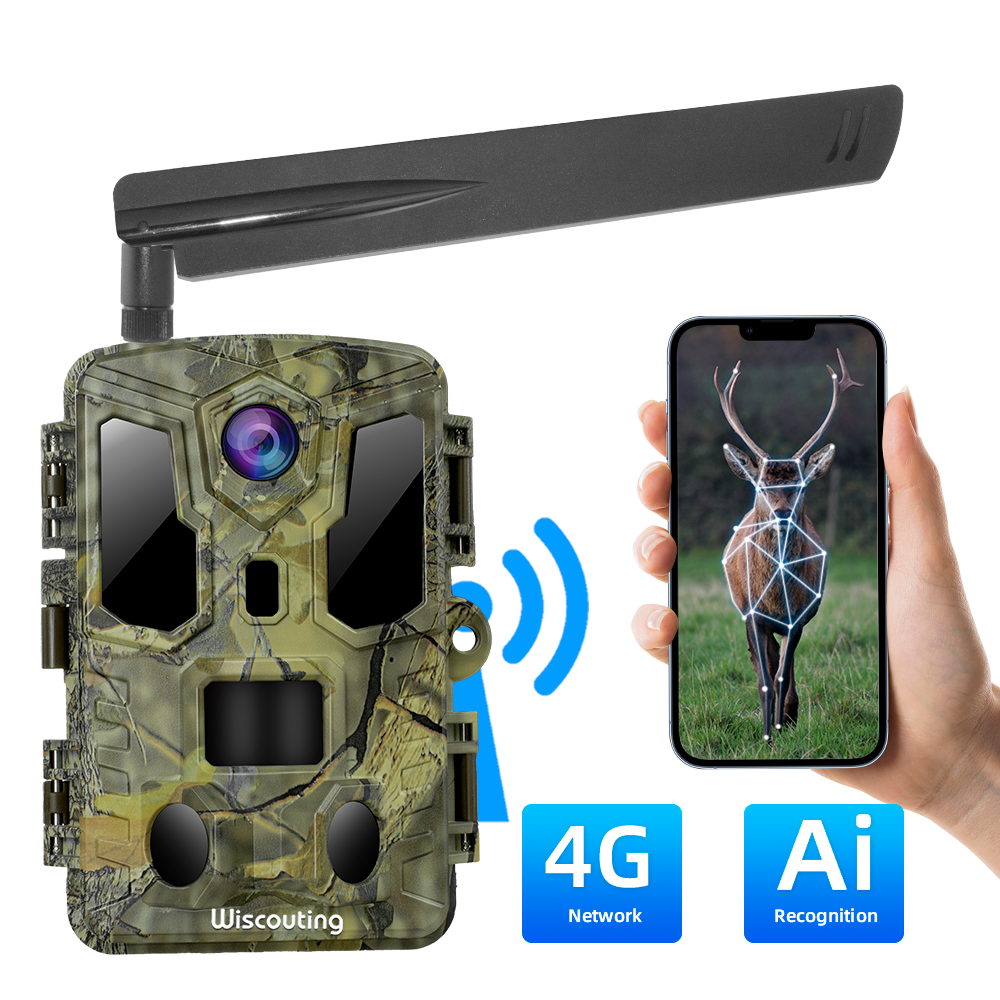


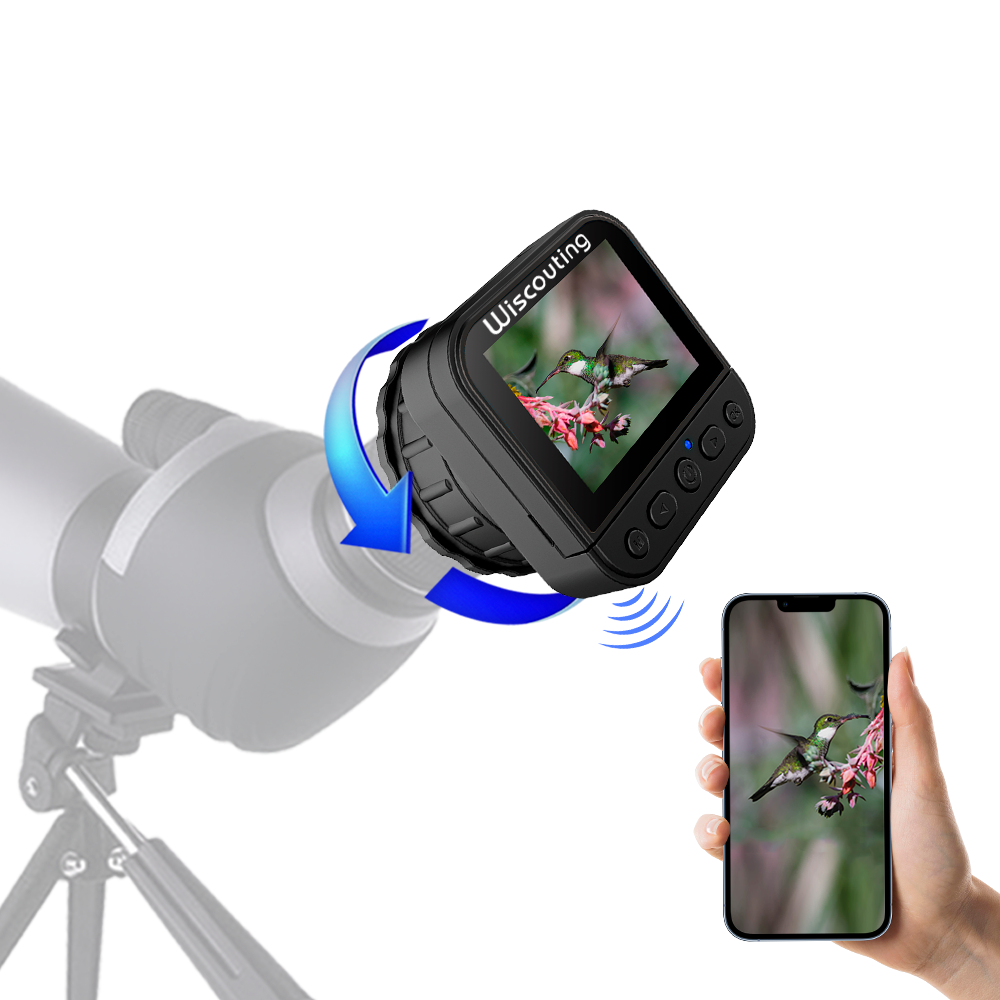
How to use VENARI APP
Release time:
2023-03-23 16:45
source:
You can scan the QR code by your phone as well.

Note:Before using the APP, make sure the phone's Bluetooth and WiFi functions are turned on.
Step 1. Be sure your camera is in the ON or TEST mode.
Step 2. Open your App on your phone. Then, select “Bluetooth turns on Wi-Fi”. You will see a Bluetooth List. Select the “Hownic”.

(At this time,you will see the indicator lamp of the camera shining faster)
Step 3.For Anderson phone,the Wi-Fi Connection window will be popped up automatically on your phone. But for IOS smart phone you should open the Wi-Fi Connection window manually.Find the Wi-Fi Hotline named “TCJ48K1W”, then choose it and enter the password “12345678” to connect.
(At this time,you will see the indicator lamp of the camera shining slower (once per second))
After connecting with the Hotline, go back to the App interface to operate all the functions.
After finishing up the settings in the App, go back to the main menu and exit from the App. The camera will disconnect Wi-Fi automatically.And the indicator lamp will go off at the same time.
Related news
China Sales Service
Phone:+86-18589089676
E-mail: info@sensvisionsz.com
United States Sales Service
Tel: +1-360-999-8726
Email: ky@sensvision.us
